
Axis & Allies .org Forums
    • Home
    • Categories
    • Recent
    • Popular
    • Users
    • Register
    • Login
    1. Home
    2. Ragnell804
    3. Posts
    0%
    R
    • Profile
    • Following 0
    • Followers 1
    • Topics 81
    • Posts 4,186
    • Best 135
    • Controversial 0
    • Groups 0

    Posts made by Ragnell804

    • RE: 1914 TripleA File

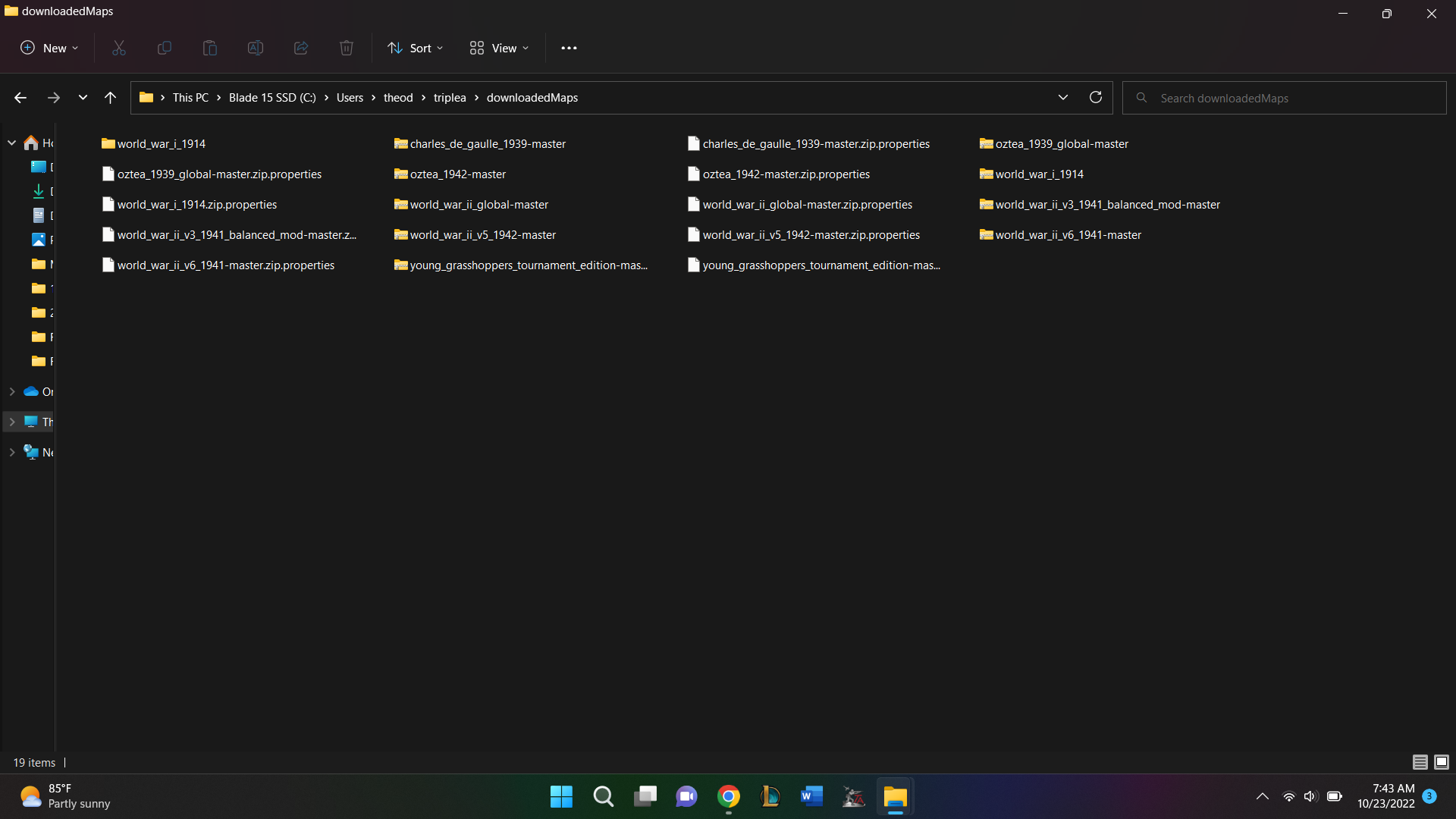
      @barnee All my other tripleA maps work as downloaded from the TripleA server. I checked the file path for them and all of them have a similar following file path:
      downloadedMaps\world_war_ii_global-master.zip\world_war_ii_global-master\map

      I don’t know why but for some reason 1914 only works for me with the shorter file of: downloadedMaps\world_war_i_1914\map.

      But at least now 1914 can be played without having to break out the board and set up all the pieces.
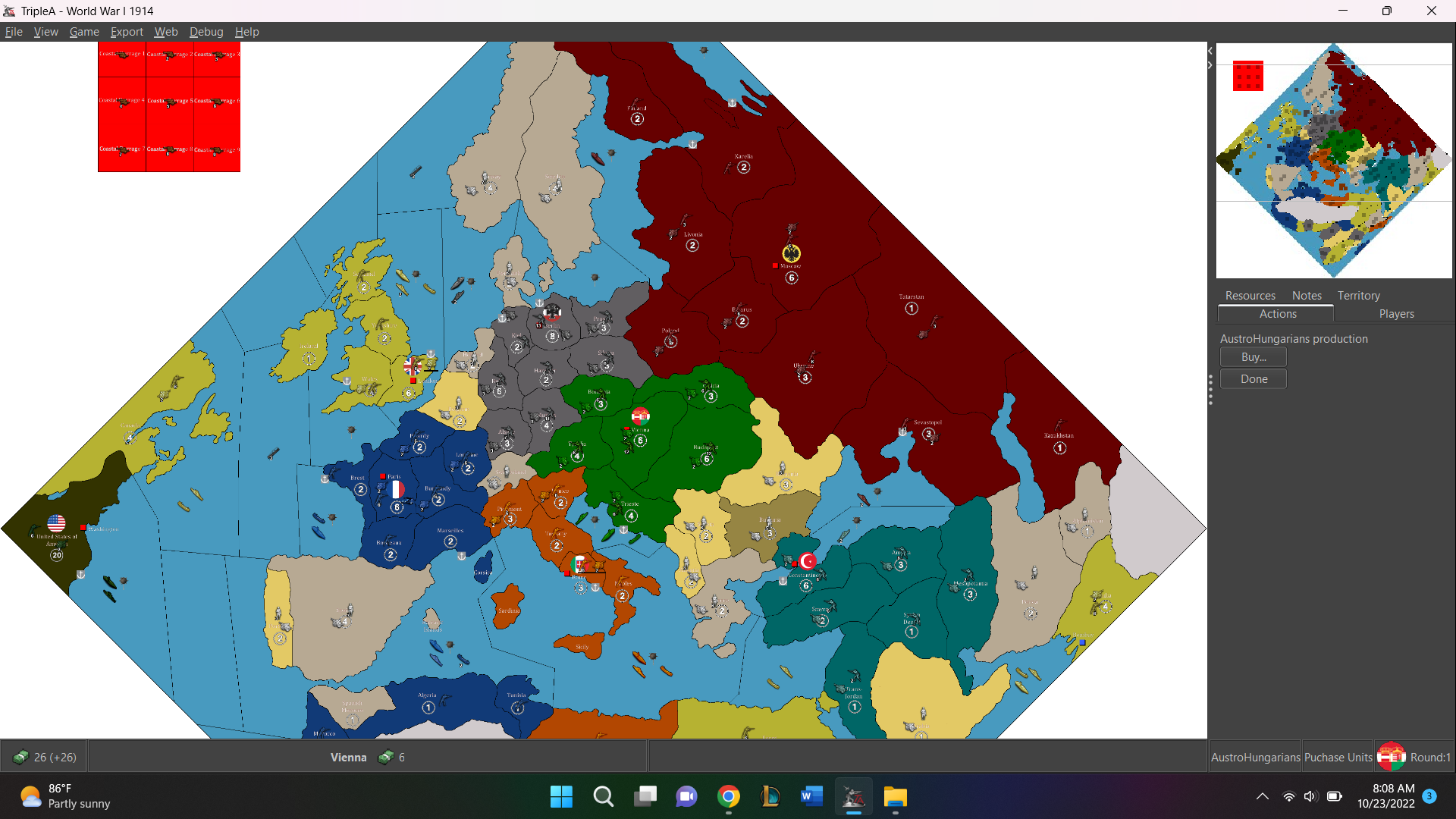
      posted in TripleA Support
      R
      Ragnell804
    • RE: 1914 TripleA File

      @barnee I literally just got it to work…

      So how I got it to work was the following. I unzipped the Good Captain’s file. Then when I got the unzipped folder, I had the following file path downloadedMaps\world_war_i_1914\world_war_i_1914\map.

      What I did was pull the second ‘world_war_i_1914’ to my downloaded games so now the file path reads: downloadedMaps\world_war_i_1914\map. When I started the game with the following file path, it worked and I am able to play the game.

      224b7b47-e95e-4136-b407-8ddb30847ad4-image.png

      Thank you for your help in this matter. Talking to you about it this way somehow got my brain to figure this out.

      posted in TripleA Support
      R
      Ragnell804
    • RE: 1914 TripleA File

      @barnee I have trying the Good Captain’s link and editing the file you download off of TripleA both to do not for me.

      Current;y, this is what my downloaded files look like:

      642d718d-c5f7-4b8a-bbdd-e90efeaecf52-image.png

      but I still get the error when trying to start a local game of 1914

      6ce8ec92-d28d-4f94-afe9-3440a8535992-image.png

      posted in TripleA Support
      R
      Ragnell804
    • RE: 1914 TripleA File

      @barnee My engine version is 2.5.22294. I saw you mentioned 2.6, could that be why the 1914 does not work for me?

      posted in TripleA Support
      R
      Ragnell804
    • RE: 1914 TripleA File

      Hello @barnee,

      I tried doing what you just mentioned by I still get the error. It seems like there is something wrong with the polygon.txt file.

      Do you have a solution for that?

      posted in TripleA Support
      R
      Ragnell804
    • 1914 TripleA File

      Hello Community,

      I am have been trying to get the file for 1914 to work on my TripleA but everytime I download it from the TripleA files or from the link TheGoodCaptain put on his youtube channel I get the following error.

      “ava.lang.IllegalStateException: Error in resource loading. Unable to load expected resource: polygons.txt, the error is that either we did not find the correct path to load. Check the resource loader to make sure the map zip or dir was added. Failing that, the path in this error message should be available relative to the map folder, or relative to the root of the map zip”

      Any help to resolve this would be greatly appreciated as I would love to be able to play 1914 without having to set up my actual board game.

      posted in TripleA Support
      R
      Ragnell804
    • 1
    • 2
    • 206
    • 207
    • 208
    • 209
    • 210
    • 210 / 210