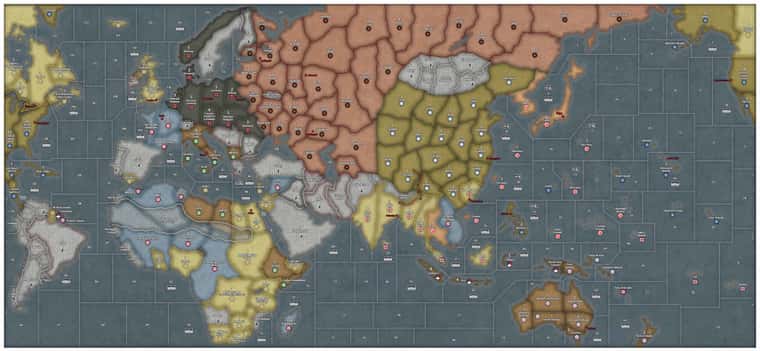
@Titus The image already looks pretty good, but if you want to show the full quality of an image, There’s only a few options that I know of.
You could make a zoomed in shot. If your goal is to simply show a high-quality area on your map instead of the full thing, simply take a screenshot of that zoomed in shot and upload it the way you usually do.
You may be able to divide your file through a sectioner. You can upload your file onto a site such as PineTool or ImageSplitter and then divide your map into different parts. Then, you can download & then upload multiple crops of that image together in one post.
If you want to show the entire map in its high quality though, you’re likely going to need to upload your map through a 3rd-party file uploader. Some options include Zappfiles, Mediafire, and Dropbox. You can then link your exported image in your post.
If there’s a better method out there, please let me know, But these are probably the easiest options.
Also, good looking map!