• @CentralCommando

    Really? On the one I looked at earlier it’s Canadian-roundeled :) Maybe Renegade fixed it in their reprint? I’ll check some of my older AH boards tomorrow…

  • 25 24 23 22 21 20 19 18

    @vodot

    Hi vodot

    Make Columbia border the Carribbean the way BlackElk did with UHD

    Screenshot from 2026-01-21 03-07-00.png


  • @vodot They probably did, as on my physical copy of Europe 1940 Second Edition it has British Canada. If that’s already fixed on your map, then it isn’t an issue.

  • 25 24 23 22 21 18 Customizer

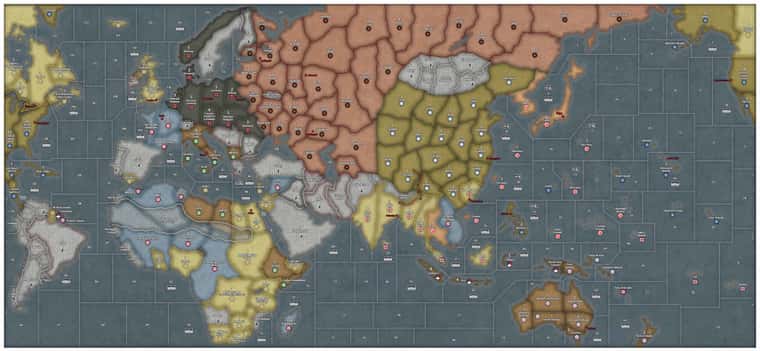
    @CentralCommando well either way, here you go, my first G40 overlay :) Absolutely zero work on my part for this one- a copy-paste right from Tjoek’s raw map file.

    Candian Western Canada!

    Can_WCan.png

    EDIT:

    I found the offending version of the OOB map, complete with Honolulu in the wrong place and all of Hasbro’s other hilarious geographical shenanigans that Tjoek and many others worked so hard to document and correct :)

    “Copyright 2012 HASBRO” in bottom corner.

    75cf6afb-cee2-47c8-8f55-63402a16ffce-image.png


  • @vodot haha lol

  • 25 24 23 22 21 18 Customizer

    @barnee said in G40 Map Overlays:

    @vodot

    Hi vodot

    Make Columbia border the Carribbean the way BlackElk did with UHD

    I hadn’t seen that map from Black Elk, I’ll take a look thanks @barnee!


  • @vodot Just as I sent my standard map out for printing! You bully! Looking forward to your work! I finally have a global setup and am working my way through my first game.


  • @Titus I’ve just sent out this file to be printed a bit larger than OOB. I made it using Tojak’s map as a template. Do you have any advice on uploading images that look good despite the dimension limits on this site?
    SGlobal Custom Map.jpg


  • @Titus The image already looks pretty good, but if you want to show the full quality of an image, There’s only a few options that I know of.

    You could make a zoomed in shot. If your goal is to simply show a high-quality area on your map instead of the full thing, simply take a screenshot of that zoomed in shot and upload it the way you usually do.

    You may be able to divide your file through a sectioner. You can upload your file onto a site such as PineTool or ImageSplitter and then divide your map into different parts. Then, you can download & then upload multiple crops of that image together in one post.

    If you want to show the entire map in its high quality though, you’re likely going to need to upload your map through a 3rd-party file uploader. Some options include Zappfiles, Mediafire, and Dropbox. You can then link your exported image in your post.

    If there’s a better method out there, please let me know, But these are probably the easiest options.

    Also, good looking map!

  • 25 24 23 22 21 18 Customizer

    @Titus said in Modular G40 Map Overlays:

    @vodot Just as I sent my standard map out for printing! You bully! Looking forward to your work! I finally have a global setup and am working my way through my first game.

    @Titus I’ve just sent out this file to be printed a bit larger than OOB. I made it using Tojak’s map as a template. Do you have any advice on uploading images that look good despite the dimension limits on this site?

    Haha, well, take some time with the OOB map first and then let me know what you’d like to try as far as tweaks go.

    RE: image uploads, I’ll echo @CentralCommando’s words above: I think the pic you uploaded there looks terrific for a preview, just like your AA50 version; for full size hi-res printable map files you would need a google drive share etc.

Suggested Topics

  • 5
  • 27
  • 5
  • 83
  • 25
  • 8
  • 67
  • 23
Axis & Allies Boardgaming Custom Painted Miniatures

28

Online

17.9k

Users

40.7k

Topics

1.8m

Posts