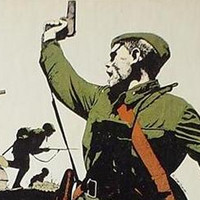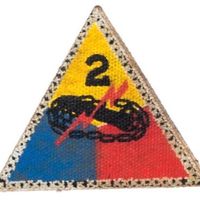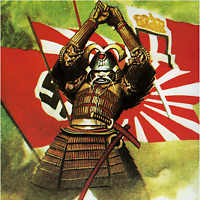
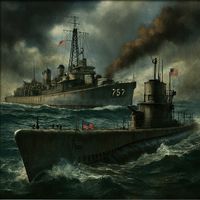


Added another G40 version of my WWII details to include Shaded/Colored Axis territories and propaganda images. Both versions (Shaded territories/propaganda images OR without) can be purchased at Combat Miniatures (combatminiatures.org)
[AA50/Anniversary] Modular Map Overlays - Splitting Australia, the Balkans, and Sea Zones; adding Cairo, Malaya, Singapore, Rio, Cape Town, Recruitment Centers and tons more!
-
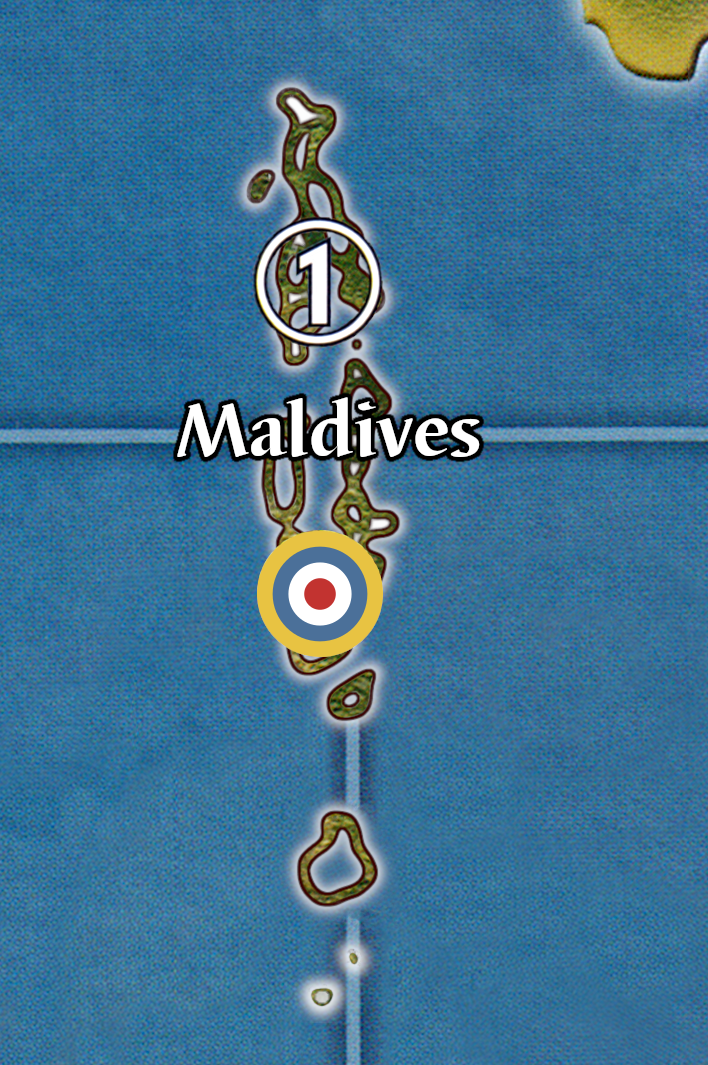
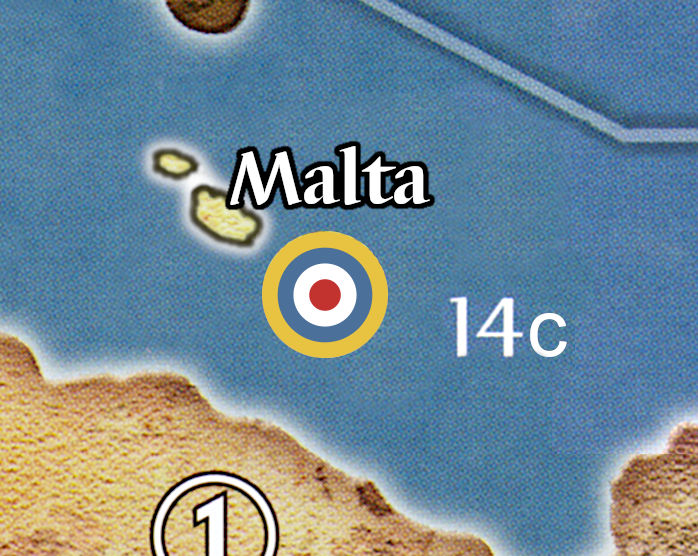
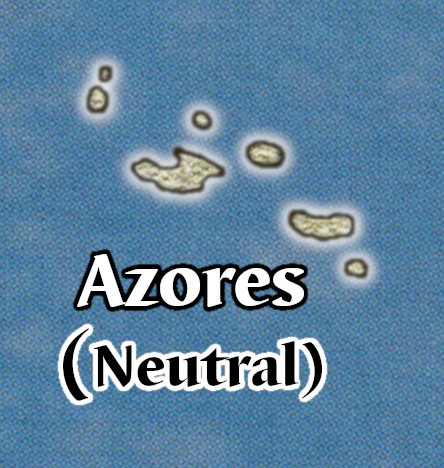
Malta, Azores, and Maldives :)
I set Maldives at the intersection of SZ 31, 32, and 35 to make them as interesting as possible. 1 IPC because I would imagine removing Ceylon as redundant.
-
@vodot Excellent!!! Azores should be within flight range of Eastern Seaboard for a Bomber. This gives a reason for axis to capture so they can SBR New York
-
@Imperious-Leader yep, smack in the middle of SZ 11 would be 3 spaces from EUS, Brazil, and ECAN. More than just SBR, it’s a good central point of threat for the Axis… on my map, transports here could drop troops at 5 different victory cities (Rio, D.C., Ottowa, London, Paris). I also make Neutrals less risky to capture with my G40 Lite rules.
Ships at SZ 32 off the Maldives, for that matter, can reach 4 VCs (Cairo, Cape Town, Calcutta, Singapore). Similar to the US getting a big force at the Carolines in a traditional AA50 game— nightmare for Japan; or either the US or Japan unconstested at Midway with some of my changes to the Pacific Coast/Hokkaido/Aleutians.
-
A Argothair referenced this topic on
-
@vodot
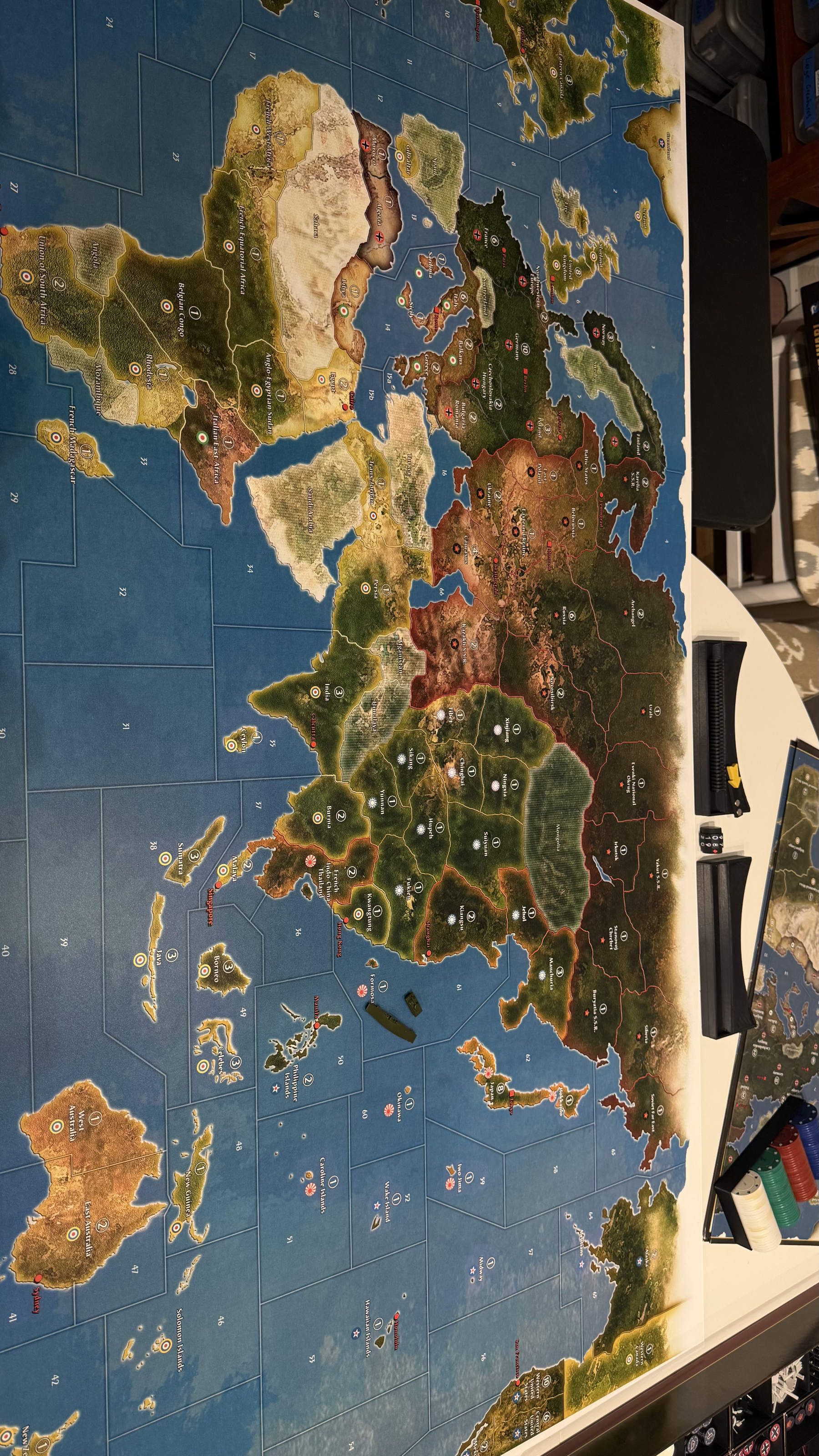
I had the map printed on .04 Styrene. Turned out sweet
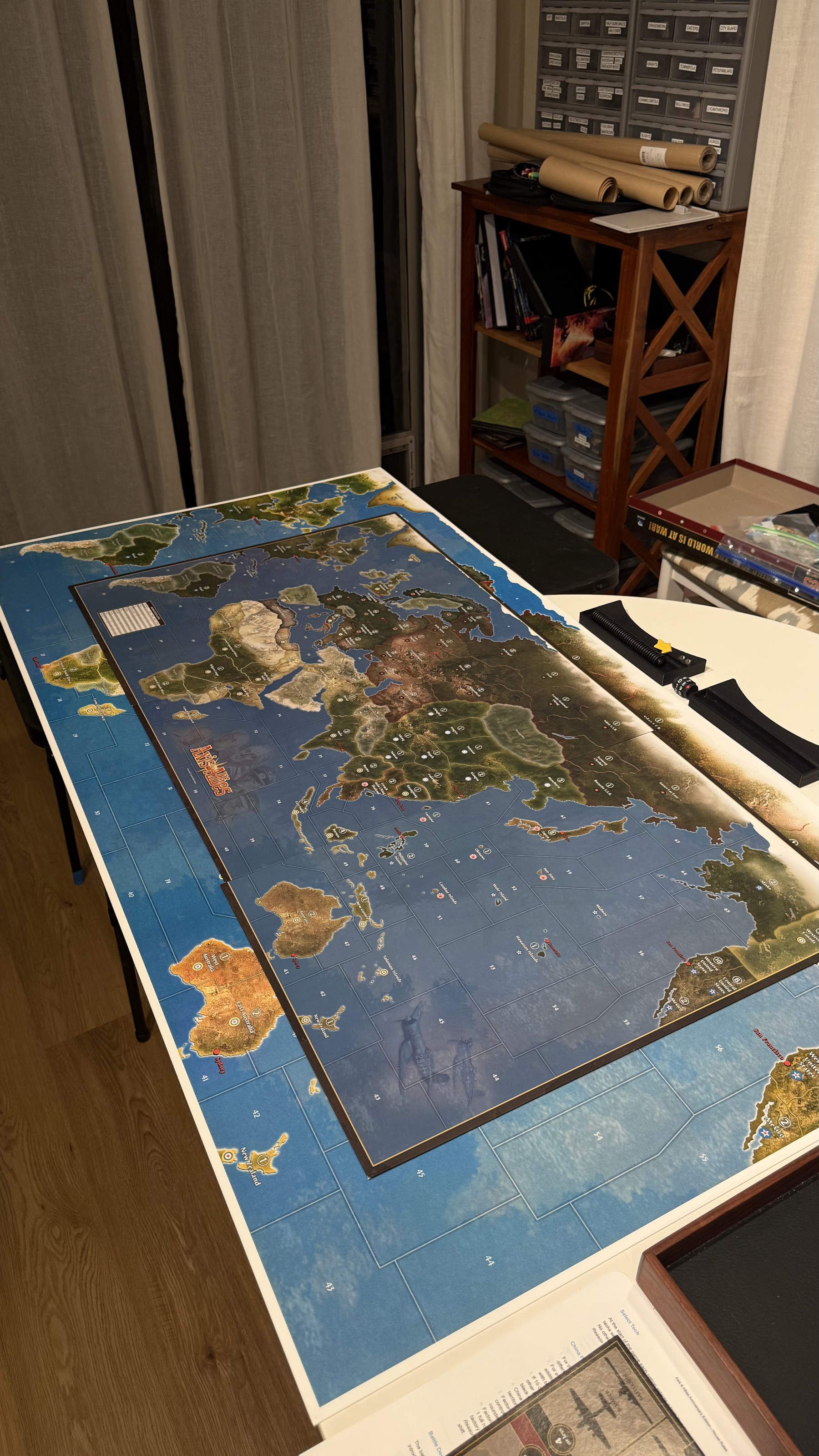

-
@Titus awesome!!
-
Here is the map file if you want it!
-
@barnee no means yes to me
-
Adding two new full-size maps with the latest:
v10: G40 Lite including France, aligned Neutrals, Canada, ANZAC, and all the recent additions up to 11/18/2025
https://drive.google.com/file/d/1mBgt6KSM7oIE3uNmuESPSU2F1AhicYMG/view?usp=sharing

v11: AA50 with all the recent additions up to 11/18/2025.
https://drive.google.com/file/d/1NIKcU-L3Hzh2jpF113TMyvAaE1GNZEQg/view?usp=drive_link

-
@vodot I made a fully custom map using the changes I used from this thread. I made it using Inkarnate/Gimp.
UPDATE 11/22/25 added VC and some shadows to make text more readable.
full quality download

-
@Titus wow! looks awesome! what was your process? FYI the “full download” link appears to be for your “normal-style” map, not this new version.
-
@vodot Fixed, thank you! I used the web app inkarnate which is a D&D map maker tool which is incredibly useful for that purpose and others. I can import “stamps” so I imported the aa50 map to trace the landmasses and borders. The tool has lots of built in map making features so I didn’t have to do much for that just selecting settings/painting. I exported the finished map and added the text and roundels in gimp. Inkarnate is sweet for map making and I used it to make the Battle Deck cards as well.
Just realized I totally forgot capitals LOL.
-
@Titus Awesome, I’m always looking for new tools and shortcuts.
-
Some love for Soviet naval mobility: the Baltic-White Sea Canal and the North Sea Route!
Provisional Rules:
White Sea Canal
If the USSR controls Leningrad, during the non-combat movement phase the Soviet player may choose to have up to one naval unit with IPC cost <9 take the “White Sea Canal” between Sea Zones 4 and 5(b). Taking this route requires 2 movement points, neither Sea Zone may be hostile, and the unit that takes it must be eligible to move during noncombat movement.North Sea Route
If the USSR controls both Leningrad and the Soviet Far East, during the Soviet player’s turn he may choose to have up to one naval unit take the “North Sea Route” between Sea Zones 4 and 63. This move can occur during either the combat or non-combat movement phase. Taking this route requires 2 movement points, and a unit taking this route must be otherwise eligible to move in the movement phase in which it takes the route.Unless they are being transported by the transiting naval units, all land and air units completely ignore the presence of the White Sea Canal and the North Sea Route.





-
Neutral VCs fascinate me, so here’s another: Istanbul on the Bosporus!

-
@vodot If we’re just spitballing changes to the map, perhaps we can finally have French Madagascar aligned to the correct nation - Germany.
Operation Ironclad and Battles of Madagascar only began in the summer of 1942, before this they were part of Vichy France. I am kinda surprised only War Room is the only Larry Harris game to get this correct.
By the way, what you are doing is really impressive! Good work!
-
@CentralCommando said in [AA50/Anniversary] Modular Map Overlays - Splitting Australia, the Balkans, and Sea Zones; adding Cairo, Malaya, Singapore, Rio, Cape Town, Recruitment Centers and tons more!:
@vodot If we’re just spitballing changes to the map, perhaps we can finally have French Madagascar aligned to the correct nation - Germany.
Operation Ironclad and Battles of Madagascar only began in the summer of 1942, before this they were part of Vichy France. I am kinda surprised only War Room is the only Larry Harris game to get this correct.
By the way, what you are doing is really impressive! Good work!
That is a great point! In my “G40 Lite” setup Madagascar rolls for joining Vichy or the Free French like most of the rest of the French Empire, but under default rules for the 1941 setup at least it should surely be German, or at least “neutral.”
To wit: German Madagascar!

-
@vodot YYEEAAHH!!
I’m definitely giving them an Infantry unit and a Submarine off the coast. You did this pretty fast too!
Speaking of setups, do you have any starting setup for these map overlays, or do we just have them for visual flair? Both are fine, and sorry if you already addressed this.
Good work as always!
-
 V vodot referenced this topic on
-
@CentralCommando said in [AA50/Anniversary] Modular Map Overlays - Splitting Australia, the Balkans, and Sea Zones; adding Cairo, Malaya, Singapore, Rio, Cape Town, Recruitment Centers and tons more!:
@vodot YYEEAAHH!!
I’m definitely giving them an Infantry unit and a Submarine off the coast. You did this pretty fast too!
Speaking of setups, do you have any starting setup for these map overlays, or do we just have them for visual flair? Both are fine, and sorry if you already addressed this.
Good work as always!
Thanks! Short answer on setups, yes I would like to do that.
Long answer, it’s a goal of mine to roll setups as well, but I have enjoyed just letting people bash it out in their own imagination/sense of balance.
Most people that use these are probably only going to use a handful of changes they really like, and for most of these onsie-twosie overlays you can just split units between them where a territory has been subdivided or add an infantry and it’s going to be fine. The worst cases would be where units are getting split and then also attacked in their (now much weaker) setup positions without the chance to be consolidated. There are some SZs in particular where this could be a problem.
-
@vodot Well, I look forward to seeing your solution to those problems. Perhaps you could make a Google Doc/Sheet table where you outline the changes to the setup depending on what division(s) you add? Just a suggestion, as having custom setup images for each combination would be an unnecessary amount of work.
(Also, I hit my daily upvote limit from your posts lol.)
Suggested Topics