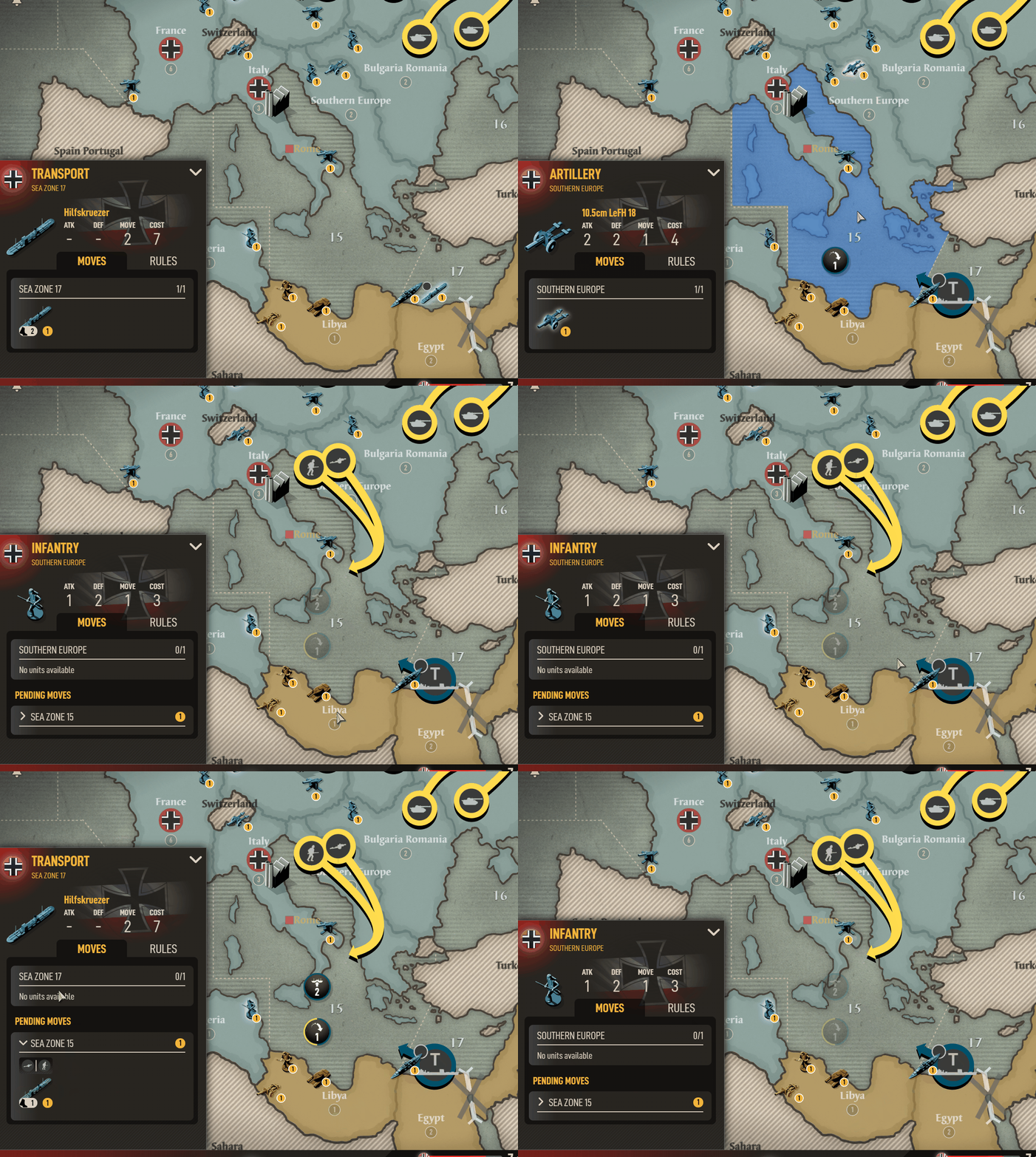

You just click the link, no need to install anything, you can use it as a site. You’ll need to register there ofc.
As for screenshots, I just Shift + Win key + S to take a screenshot of what I need and then save it in Paint 3D.
Should I be able to do the following:
The app is not letting me but I think I should be able to?
Thanks!

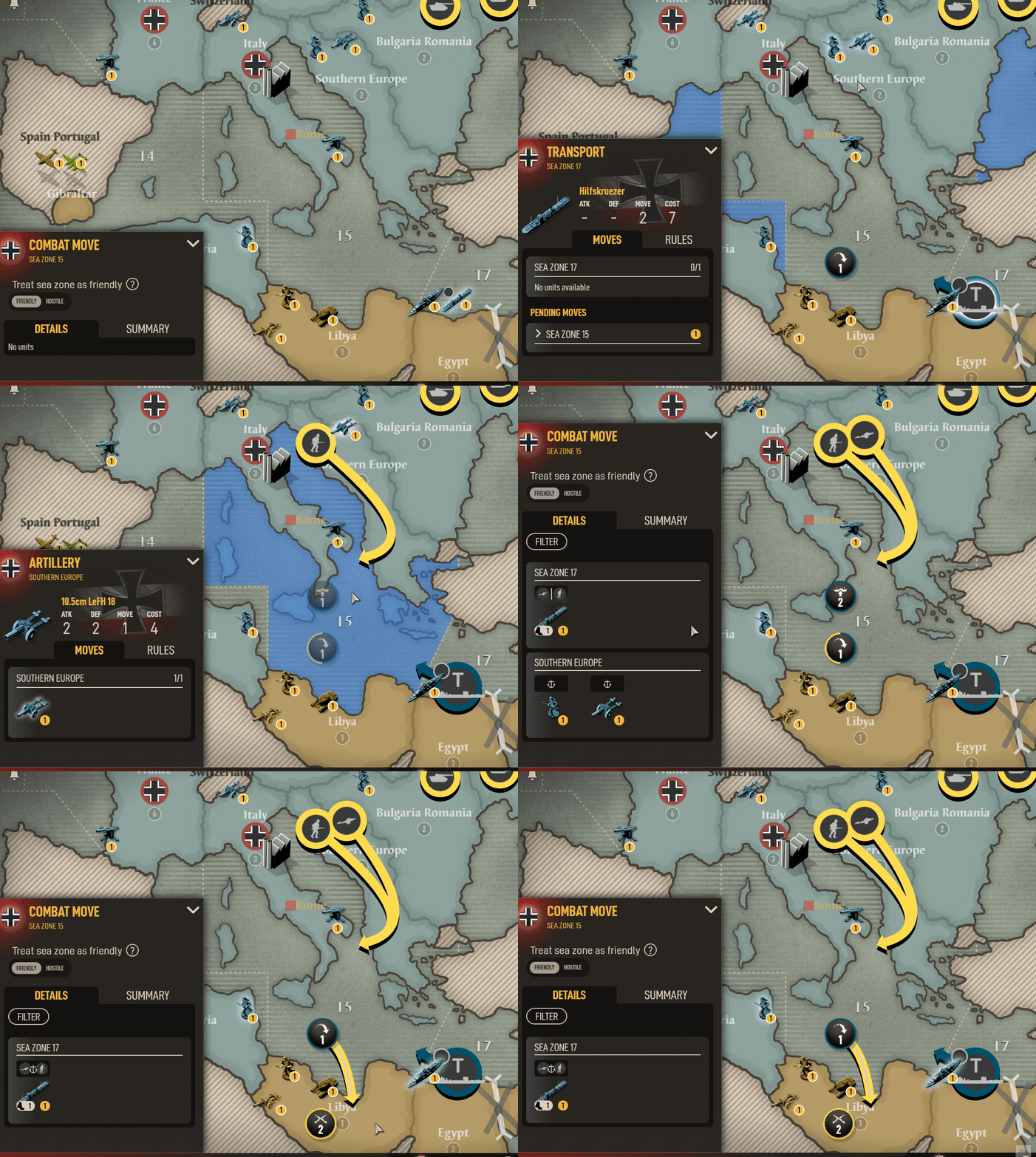
@graham-martin I figured it out. You have to click on the transport icon with the “2” on it, then click on the transport icon in the details panel. THAT is what turns the zones red so you can unload into Libya.
See attached.

Indeed. Check out our guide at https://steamcommunity.com/sharedfiles/filedetails/?id=2384347603 - and rest assured, we’re working on the UI overhaul to make things like this much more simple.
@juliusborisovbeamdog Are you guys also working on making the game less of a burden on a Mac computer? I have a fairly recent and decently powerful Mac laptop and the game is maxing out my RAM and cooling fan, which seems ridiculous given the type of game this is.