@surfer Dave is working on it. It is a forum issue.
Can't download games
-
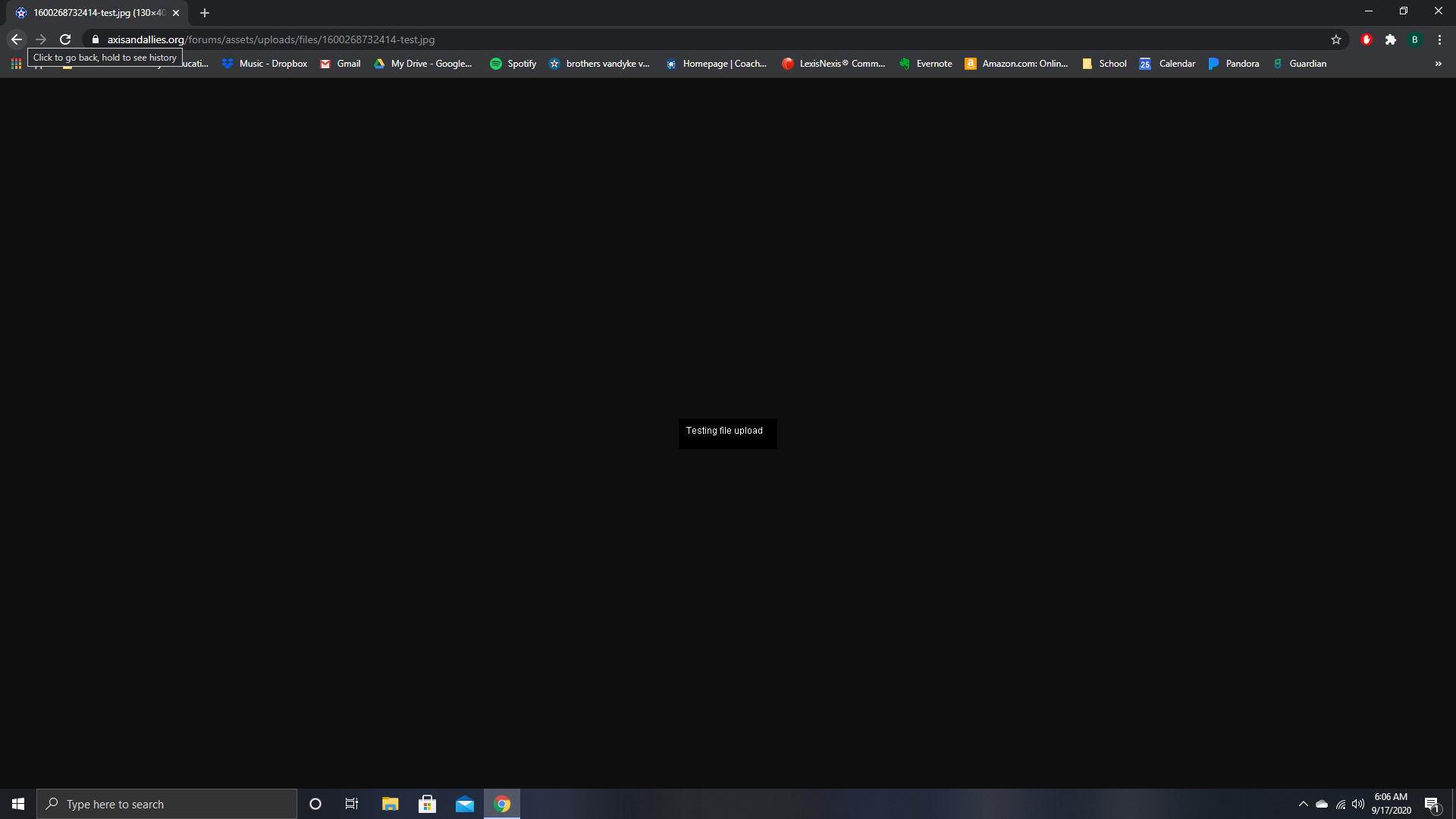
I get stuck here when I try to downlaod a game from 2.2. I reinstalled 2.2 and it is still cauing me problems. I am able to start the download for a 1.9 game, but obviouly get stopped since I am using 2.2. I just don’t know how to get past this file upload screen. I have tried turning off my adblocker and my firewall and it doesn’t help.
Any help would be appreciated. I couldn’t find any other threads about this…
-
@Bvandyke01 Please describe in detail what you actually want to do and the steps that you try to achieve your goal.
You ususally download games (maps) with the TripleA ingame downloader.
You usually download savegame files by clicking on “Savegame” and saving the *.tsvg file in the savegame-directory.
Those files will be chosen later when you use the Open Saved Games dialogue within TripleA.Now what you have posted here is a screenshot of your desktop showing your Google Chrome after you clcked the testing Savegame. This test is only represented by a jpg-image. So your browser shows it correctly. You need to load a “real” savegame with TripleA instead.
In case you still need asstistance, please
- Describe step by step what works with TripleA 1.9.
- Then please describe step by step what you do with TripleA 2.2, that appears to not work.
Thank you :slightly_smiling_face:
-
Thanks for the reply.
After installing Triple A 1.9 I would go to the forum thread and click “savegame” which would download the game to my computer. I would then go into TriplaA and open the file through the game, which would load the map and game.
After clicking on “savegame” with 2.2 I got the screen I shared, which I had never seen before and still can’t get past.
“You usually download savegame files by clicking on “Savegame” and saving the *.tsvg file in the savegame-directory.” This is the step in your post that doesn’t work for me.
-
The screen you posted is the attempt to dowlnoad a file created by the “Test Post” feature of TripleA. This creates an image file (a jpg) that is displaed in your browser as you posted.
Now try to load any savegame, compatible with 2.2, that is not the result of a test post - but a real turn posting.
The process of downloading a file to your PC is independent of any TripleA version. You can download the file even if TripleA is not installed at all.To be absloutely sure, do it like this:
- Right-click on “Savegame”
- Choose "Save link… " (not sure about the actual wording on your OS)
- Save the tsvg file
- Open the file from within TripleA
You cannot associate tsvg files with both 1.9 and 2.2.
That is why I never associate tsvg wit TripleA. It causes problems when you run more than one version of TripleA.HTH :slightly_smiling_face:
-
@Panther Thank you. This has solved my problems.
Suggested Topics